
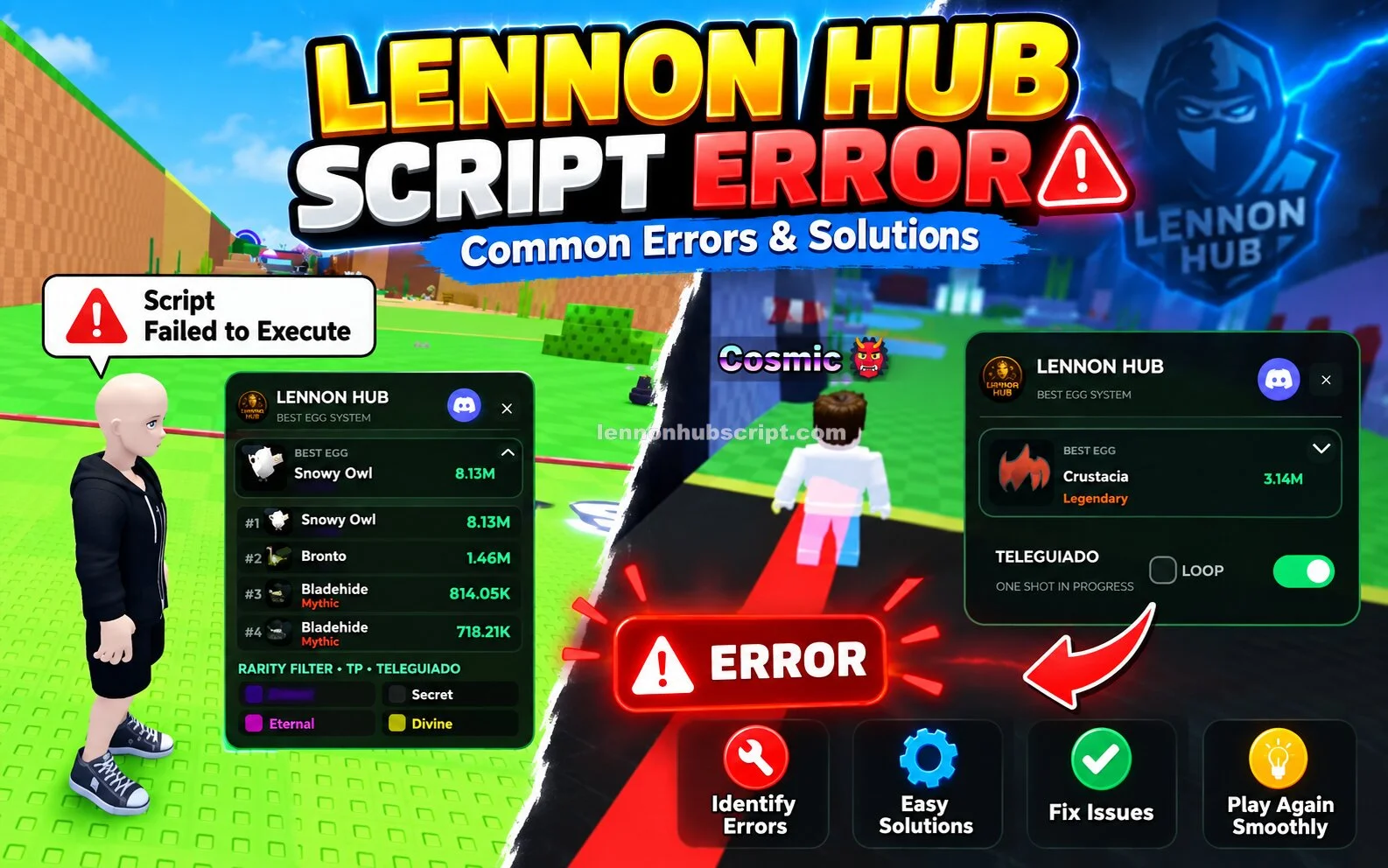
A Lennon Hub Script error can happen for several reasons. The script may be outdated, the Steal an Egg game may have changed, or the environment being used may not currently support the script.
Sometimes the hub opens normally but one feature produces an error. In other cases, nothing happens after execution. Understanding the type of error makes troubleshooting much easier.
Why Does Lennon Hub Show an Error?
Lennon Hub depends on the current game and Roblox environment. When something changes, an older script may no longer work as expected.
Common causes include:
- Outdated Lennon Hub version
- Recent Steal an Egg update
- Roblox-side changes
- Compatibility problems
- Incorrectly copied script
- Temporary loading problems
- A broken or modified script copy
- One particular feature becoming incompatible
The cause is not always the same, so avoid applying random fixes without first identifying the problem.
Common Lennon Hub Script Errors
1. Script Does Nothing
You execute Lennon Hub, but no menu or message appears.
This can happen when the script is outdated or incompatible with the current environment.
Try: Restart Roblox, join Steal an Egg again, and check whether a newer version is available.
2. Script Stops During Execution
Sometimes the script begins running and then stops.
This can indicate that something required by the script has changed.
Try: Check for a recent game update and use a current compatible release.
3. Hub Opens but Shows Errors
If the main interface appears but displays an error when you select a feature, the problem may be limited to that feature.
For example, Auto Farm might fail while other options continue working.
Try: Disable the problematic feature and test the other functions separately.
Also Read: Lennon Hub Script vs Manual Gameplay – Which Is Better?
4. Error After a Game Update
If Lennon Hub worked before a Steal an Egg update but stopped immediately afterward, the update may have changed something the script relies on.
Try: Look for a compatible update rather than repeatedly executing the old version.
5. Executor or Environment Error
A script can also fail because the environment being used does not support something required by the current release.
Try: Check the current compatibility information and make sure you are not using an outdated environment with a newer script, or vice versa.
Lennon Hub Error: Basic Troubleshooting
Before looking for complicated solutions, go through these steps:
- Close Roblox completely.
- Open Roblox again.
- Join Steal an Egg.
- Make sure you have the current Lennon Hub version.
- Copy the script carefully without changing its contents.
- Run it again.
- Test features individually.
If the same error continues, it may be a compatibility issue rather than a problem with your setup.
What If Nothing Fixes the Error?
Sometimes there is nothing you can change on your side.
If a Roblox or game update has broken Lennon Hub, the script developer may need to update the code. In that case, repeatedly running an old version will not solve the underlying problem.
It is better to wait for a compatible release than to download random “fixed” versions from unknown websites.
Avoid Fake Error Fixes
Be careful with websites claiming that you need to install a special program to repair Lennon Hub.
Never give your Roblox password to anyone offering a fix. Also avoid unknown executable files, suspicious browser extensions, and downloads that ask you to disable security protection.
A script error is not a reason to compromise your account or computer.
Conclusion
Lennon Hub Script errors are usually related to outdated versions, game updates, or compatibility problems. Start with simple troubleshooting and identify whether the entire hub is failing or only one feature.
If the problem appeared after a Steal an Egg update, an updated script may be required. When no compatible version exists yet, waiting for an update is usually the safest approach.